Wisp

New Fresh look, 14 widgets and English

Your new tab, organized.

Boards of links, handy widgets and calm wallpapers. Save a link in one click — find it in a second.

Works in Chrome, Edge, Brave and Opera · No account needed

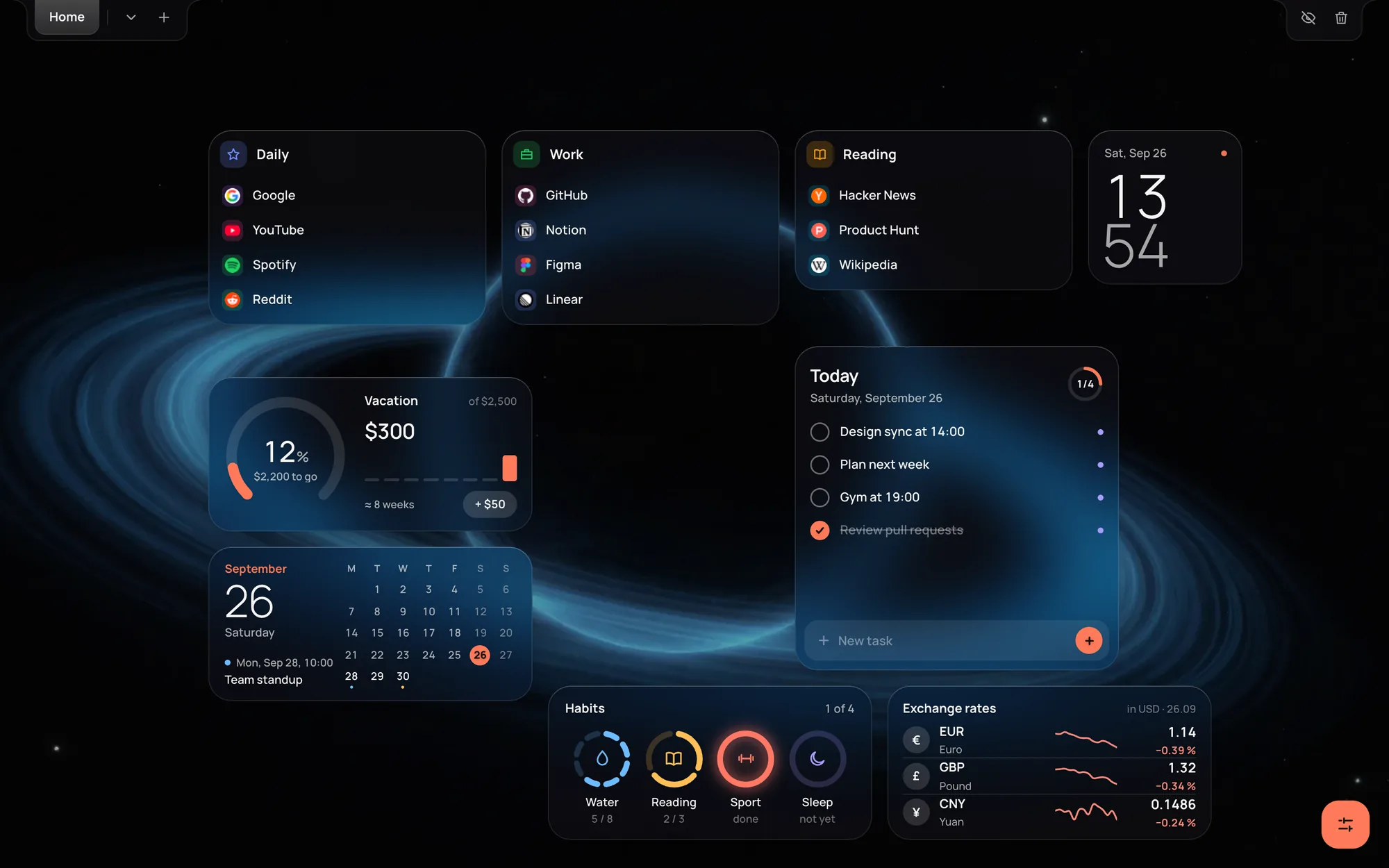
Wisp new tab: boards with links, clock, tasks, savings goal, calendar, habits and exchange rates over a space wallpaper

Up and running in a minute

No setup wizard, no account. Open a new tab and it’s already yours.

  1. Install Wisp

    Add it from the Chrome Web Store. Every new tab now opens your workspace.

  2. Bring your bookmarks

    Settings → Data → Import. Each bookmark folder becomes a board — nothing to retype.

  3. Save as you browse

    Right-click any page → “Save to Wisp”, or press Ctrl Shift S.

Boards

Every link where you expect it

Group links into boards and pages — Work, Reading, Daily. Drag them anywhere on the screen, pin the ones you open most.

  • Pages for different parts of your life
  • List, tiles or icons — pick a view
  • Trash that forgives: restore in one click
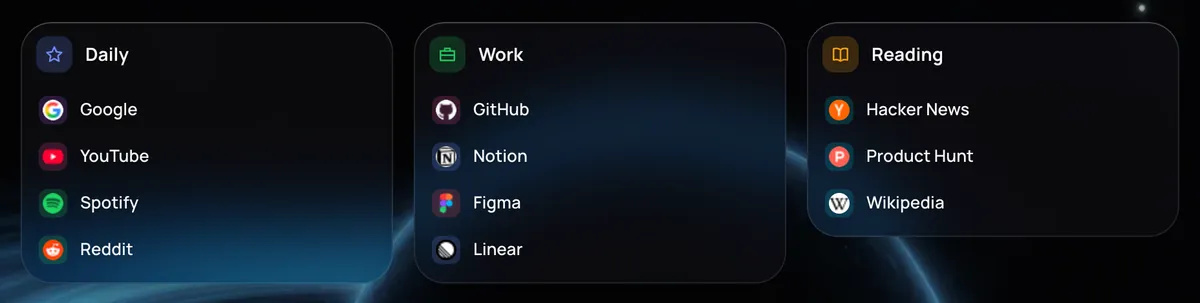
Three Wisp boards: Daily, Work and Reading with site icons
Widgets

The little things you check every day

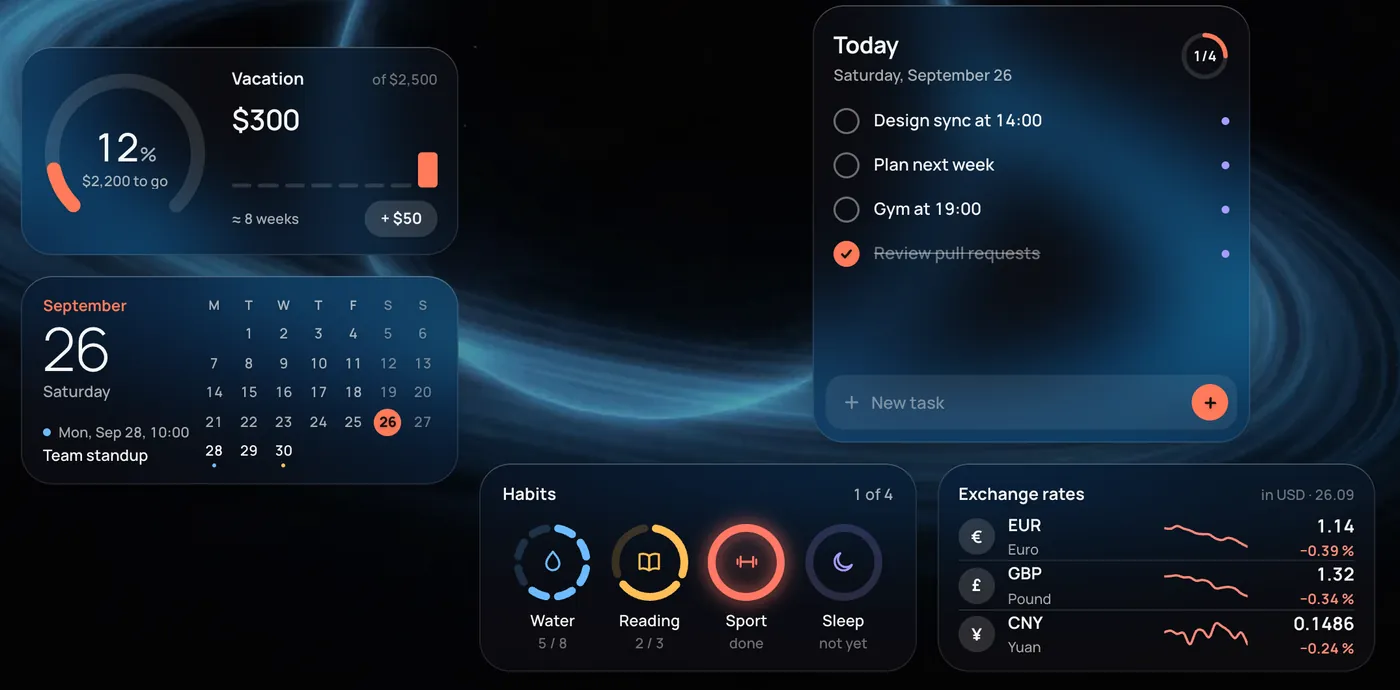
Fourteen widgets that stay out of the way: clocks and world time, tasks for today, habits, savings goals, a calendar and exchange rates.

  • Tick off tasks and habits right on the widget
  • Goals in money, numbers or a checklist
  • Each widget is set up in a couple of clicks
Wisp widgets: savings goal, calendar, tasks, habits and exchange rates
Look

A tab that feels like yours

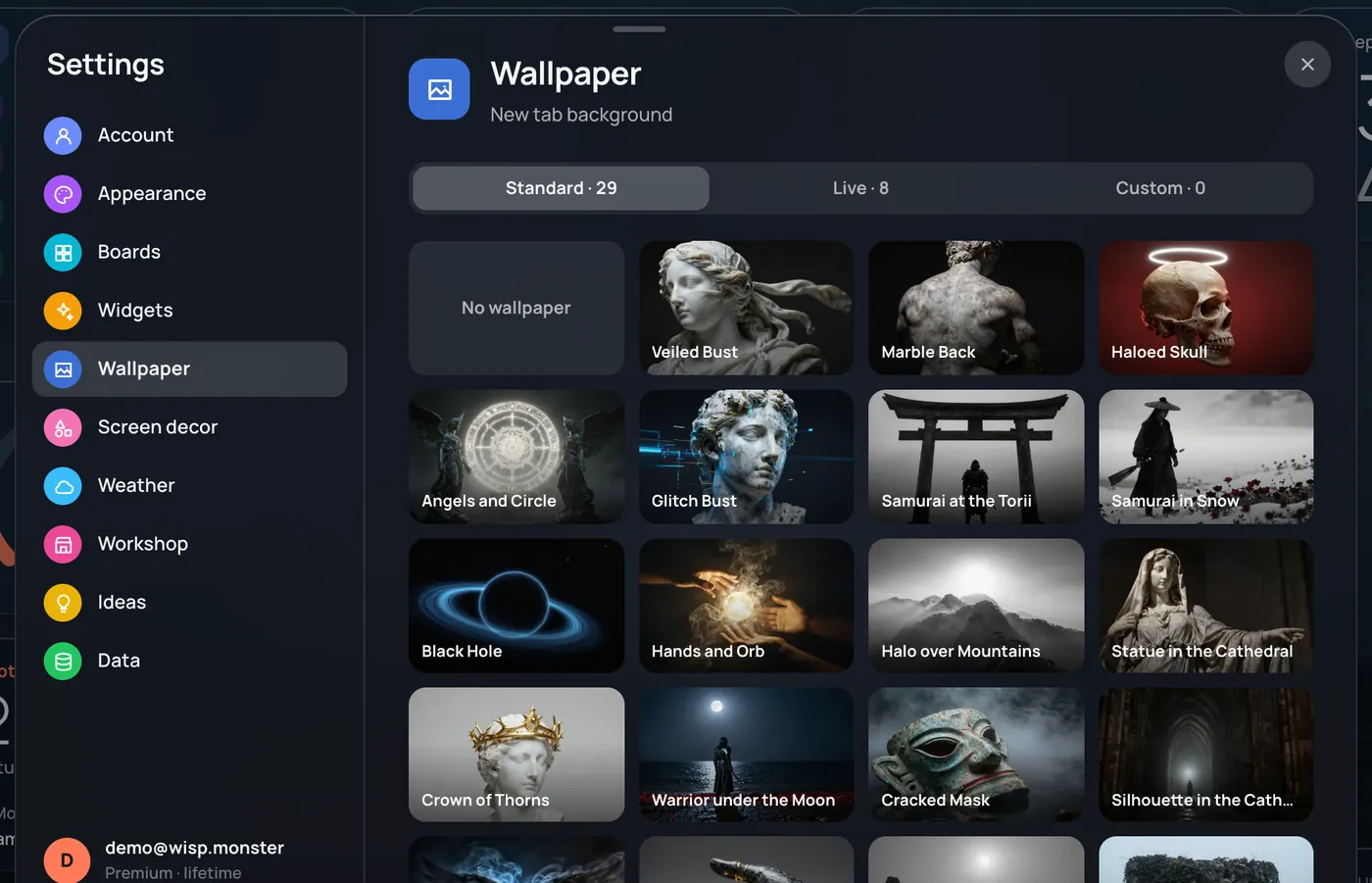
29 wallpapers, 8 live video backgrounds or your own picture. Add soft weather effects and small decorations — or keep it plain.

  • Dark and light themes, your accent color
  • Glass that adapts to any wallpaper
  • Focus mode hides everything but your boards
Wisp settings with the wallpaper gallery

Free to start. Premium when you want more.

Your links are yours on any plan: saving, importing and exporting are always free.

Free

$0

Everything you need for a tidy new tab

  • 2 pages, 3 boards and 2 widgets on each
  • Clocks, a short task list and today’s calendar
  • 6 wallpapers
  • Bookmark import, export and quick save
Add to Chrome

Premium

3 days free

Try every feature before you decide

  • Unlimited pages, boards and widgets
  • All 14 widgets
  • Live and custom wallpapers, weather and decor
  • Sync across your devices
  • Shared pages with friends and family
Start free trial

Questions

Is Wisp free?

Yes. The free plan has no time limit and covers boards, links and the basic widgets. Premium adds unlimited boards, all widgets, live wallpapers and sync — you can try it free for 3 days.

Where are my bookmarks stored?

On your device, inside the browser. Nothing leaves it unless you create an account to sync between devices. We don’t show ads and don’t track what you do.

Which browsers does it work in?

Chrome and other Chromium browsers that install from the Chrome Web Store: Edge, Brave, Opera, Vivaldi and Yandex Browser.

How do I move my existing bookmarks?

Open Settings → Data → Import. Import straight from Chrome, or from an HTML file exported by Firefox, Safari or any other browser. Folders become boards.

What happens when the trial ends?

Nothing is deleted. Anything over the free limits becomes view-only: links still open, and editing comes back with Premium.

Make every new tab count

Free, light and ready in a minute.

Add to Chrome